
01
Browse sideways
Swipe left or right to move through your library at your own pace.
 Swipe Da Photo
The anti-subscription iPhone photo cleaner
One small purchase. No ads, account, tracking, or photo uploads. Just a fast, private way to swipe through clutter and review every choice before deleting.
Buy once No subscription Private by design


Swipe, review, done
01
Swipe left or right to move through your library at your own pace.
02
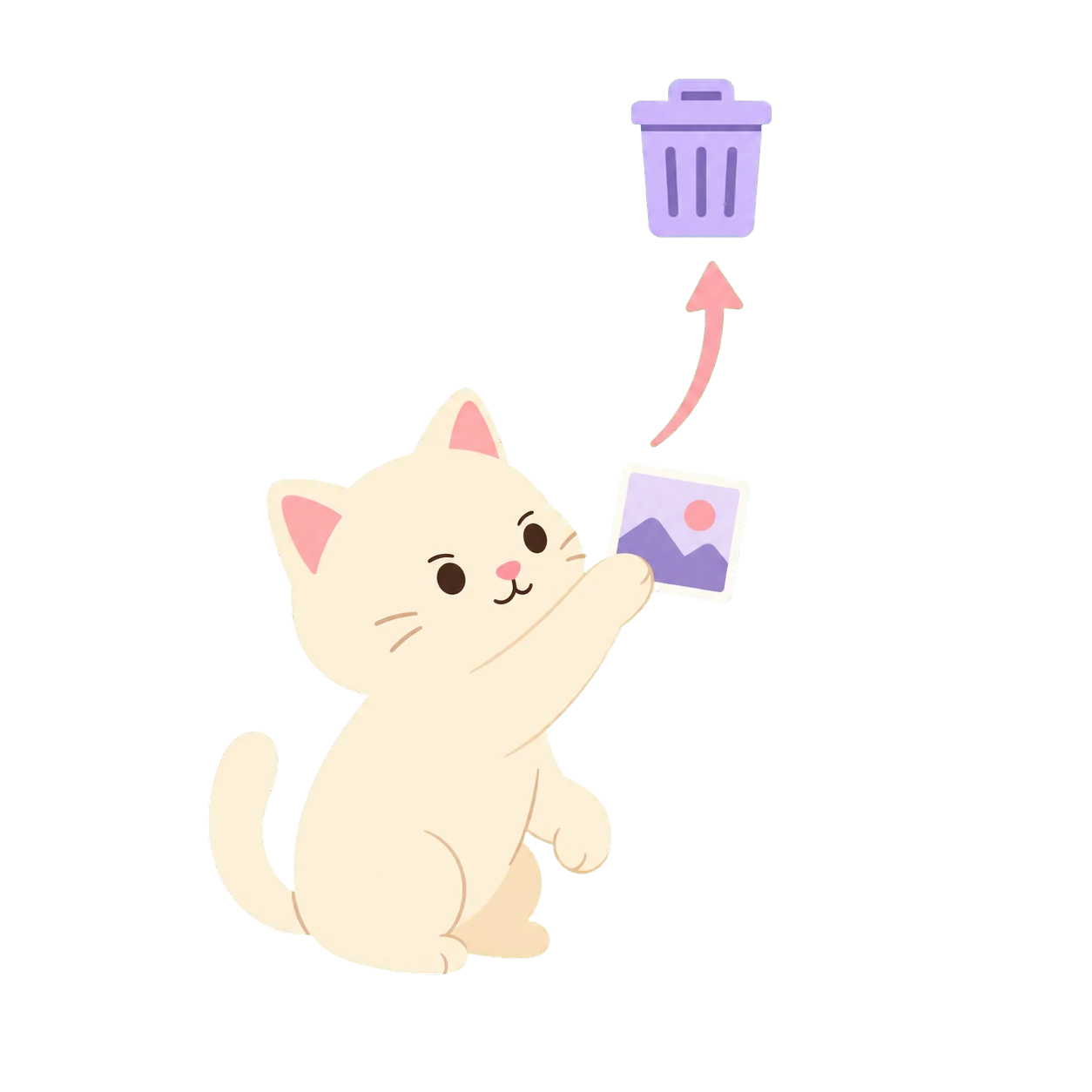
Send an extra to Swipe’s Trash. It stays safe until you’re ready.

03
Restore any second thoughts, then confirm the rest in one go.
Private by default
No app account. No photo uploads. No ad tracking. Just you and your camera roll.
FAQ
The quick version
Choose any photo to start. Swipe left or right to move through your library, pinch to zoom in, and play videos inline when you want a closer look. If something can go, swipe it up into Swipe’s Trash.
Keep moving at your own pace. When you’re ready, open Trash to review everything you marked. Restore anything you want to keep, or delete the rest together. Nothing is deleted until you confirm.
No. It only moves the photo or video into Swipe’s Trash. You can review everything there, restore anything you changed your mind about, and confirm the final deletion when you’re ready.
Never. Your library stays on your iPhone. Swipe Da Photo has no account, analytics, advertising, or photo uploads.
Absolutely. The app is live, but it isn’t frozen in time. I’m continuing to improve speed, polish the small interactions, and smooth out anything that gets between you and a cleaner library.
Because it says what you do, and it sounds a little more fun than “Photo Cleanup Utility.”
Honestly, why not? Cats are cute—and Cookie Dough already runs the house.

Who made this?
I’m a teacher, and I’d had this photo-cleanup idea in the back of my mind for a while. I worked with AI tools step by step to design, test, and ship Swipe Da Photo. I’m still learning—and still making the app better.

Meet Cookie Dough
Cookie Dough is our Exotic Shorthair and the reason this site has cats everywhere. He contributes excellent vibes and very little code.
Follow @cookiedough1007
Less clutter, more keepers
Fast to use, easy to undo, and calm all the way through.